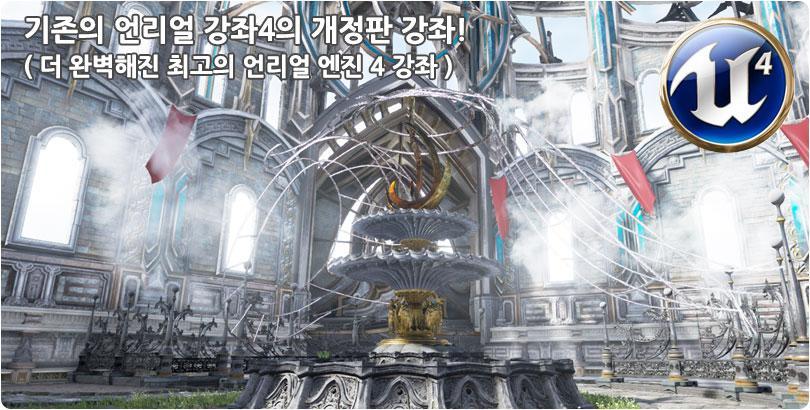
:: 언리얼엔진4 (UE4) 개정판 ::
1. 인터페이스 및 시작하기
| 1강 | 프리젠테이션 | 17분 | ||
| 2강 | 언리얼 엔진 설치 및 프로젝트 생성하기 |
|
15분 | |
| 3강 | 인터페이스 및 시작하기 (화면구성, 단축키 셋팅, 프로젝트 변경) |
|
14분 | |
| 4강 | 뷰포트 및 오브젝트의 기본 컨트롤 |
|
32분 | |
| 5강 | LightMap의 개념 및 이해 |
|
23분 | |
| 6강 | LightMap과 Collision 셋팅 |
|
32분 | |
| 7강 | LightMap맵 언리얼 엔진에서 펴기 |
|
21분 | |
| 8강 | 오브젝트와 텍스쳐의 Import, Export 방법 |
|
30분 | |
| 9강 | 리소스 자동 갱신하기 (생산성 향상) - Auto Reimport |
|
11분 |
2. Material, Shader의 제작
| 1강 | Material의 특성 및 기본연결 |
|
23분 | |
| 2강 | PBR(물리기반 렌더링)개념적인 이해와 PBR,PBS의 특징 |
|
29분 | |
| 3강 | Parent Material의 디테일 제작 (1) - Base Color, Specular, Metallic, Rougness |
|
45분 | |
| 4강 | Parent Material의 디테일 제작 (2) - Emissive, Normal |
|
33분 | |
| 5강 | Instance Material의 제작과 적용 |
|
35분 | |
| 6강 | Emissive의 깜빡임의 표현 |
|
32분 | |
| 7강 | Reflection의 표현(CubeMap활용) |
|
24분 | |
| 8강 | 나뭇잎 풀잎에 해당되는 Material의 구현(Alpha적용) |
|
26분 | |
| 9강 | Tessellation의 활용 |
|
30분 | |
| 10강 | Mesh Paint Material의 제작 |
|
34분 | |
| 11강 | Water Material의 제작 | 52분 | ||
| 12강 | Landscape의 Material 제작 |
|
47분 |
3. 지형 제작(Landscape, World Machine 활용)
| 1강 | Landscape의 생성 및 기본 기능 |
|
24분 | |
| 2강 | Landscape의 조각 및 텍스쳐 칠하기 |
|
45분 | |
| 3강 | Landscape의 지형 제작하기 | 38분 | ||
| 4강 | WorldMachine의 활용(1) - 지형제작 (인터페이스, 지형디테일 작업) |
|
32분 | |
| 5강 | WorldMachine의 활용(2) - Texture 추출 (Height, Weight Map의 추출) |
|
24분 | |
| 6강 | WorldMachine의 활용(3) 이용한 Flow Map 제작 (Flow Map을 적용하여 Landscape 제작) |
|
22분 |
4. 배치 및 라이팅, 환경셋팅
| 1강 | 레벨의 편집 및 오브젝트 셋팅 |
|
18분 | |
| 2강 | 오브젝트의 배치 및 Foliage의 활용 |
|
35분 | |
| 3강 | Light의 종류 및 특성 (Directional, Point, Spot, Sky의 특성) |
|
18분 | |
| 4강 | IES Light의 특성 및 알아보기 |
|
15분 | |
| 5강 | Fog의 세부설정 및 Volume의 설치 |
|
13분 | |
| 6강 | PostProcess로 분위기 변경하기 (1) | 24분 | ||
| 7강 | PostProcess로 분위기 변경하기 (2) |
|
18분 | |
| 8강 | Sky 조절과 Sky Light,Atmospheric Fog와의 연관성 |
|
12분 | |
| 9강 | 씬 렌더링하기(Lighting Build) |
|
20분 |
5. 시네마 및 연출
| 1강 | Sequence Editor의 생성 및 인터페이스 |
|
22분 | |
| 2강 | Sequence에서 카메라 워킹 셋팅 및 커브에디터 | 26분 | ||
| 3강 | Sequence에서 오브젝트, 라이트, Post Process 변경하기 |
|
16분 | |
| 4강 | Sequence에서 멀티 카메라 처리 및 영상 추출하기 |
|
12분 | |
| 5강 | Matinee의 생성 및 조작방법 |
|
14분 | |
| 6강 | Matinee를 통한 카메라 워킹 |
|
16분 | |
| 7강 | Matinee를 통한 오브젝트,라이트 컨트롤 |
|
10분 | |
| 8강 | Matinee에서 멀티 카메라 및 블루프린트로 영상추출하기 |
|
20분 |